One-off texts, live cost estimation.
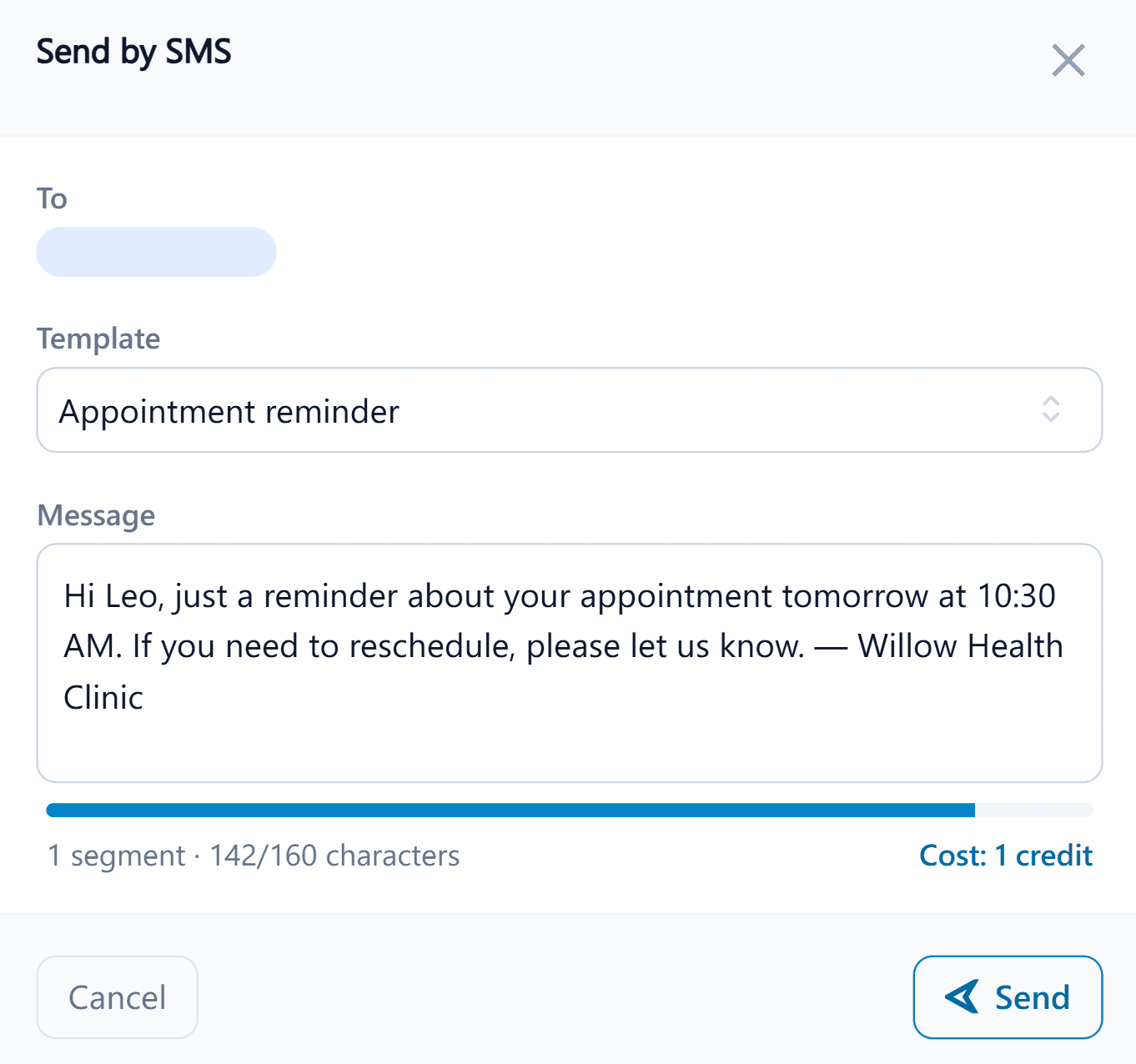
Send a text straight from a patient's chart, start from a template, and see exactly what it'll cost before you hit send, with every message logged automatically.
Confirmations, cancellations, reminders, and follow-ups: every message type sent automatically, by SMS or email, with a complete communication history per patient and preferences that are actually respected, not just checkboxes.
Automatic on the events that matter (confirmed, reminded, cancelled, or followed up), with no one at the clinic needing to press send.
Separate SMS and email templates, sent automatically the instant a booking is made, by staff or the patient online.
Sent a set number of days before the visit, on your schedule: separate SMS and email templates, per appointment type.
Notify patients when an appointment is cancelled, with separate SMS and email templates, customised to your clinic's tone.
Send a follow-up SMS or email after an appointment: check in on the patient, share aftercare, or prompt a rebooking.
Hi Patient.FirstName,
Your Appointment.Type with Practitioner.FullName is coming up on Appointment.Date.
Every template is written with placeholders: ClinyPal fills them in at send time with each patient's actual details, so nothing goes out wrong.
Send a text straight from a patient's chart, start from a template, and see exactly what it'll cost before you hit send, with every message logged automatically.
Confirmations, invoices, letters, and one-off messages all go out through the same clean, consistent email layout, Gmail and Outlook safe by default.
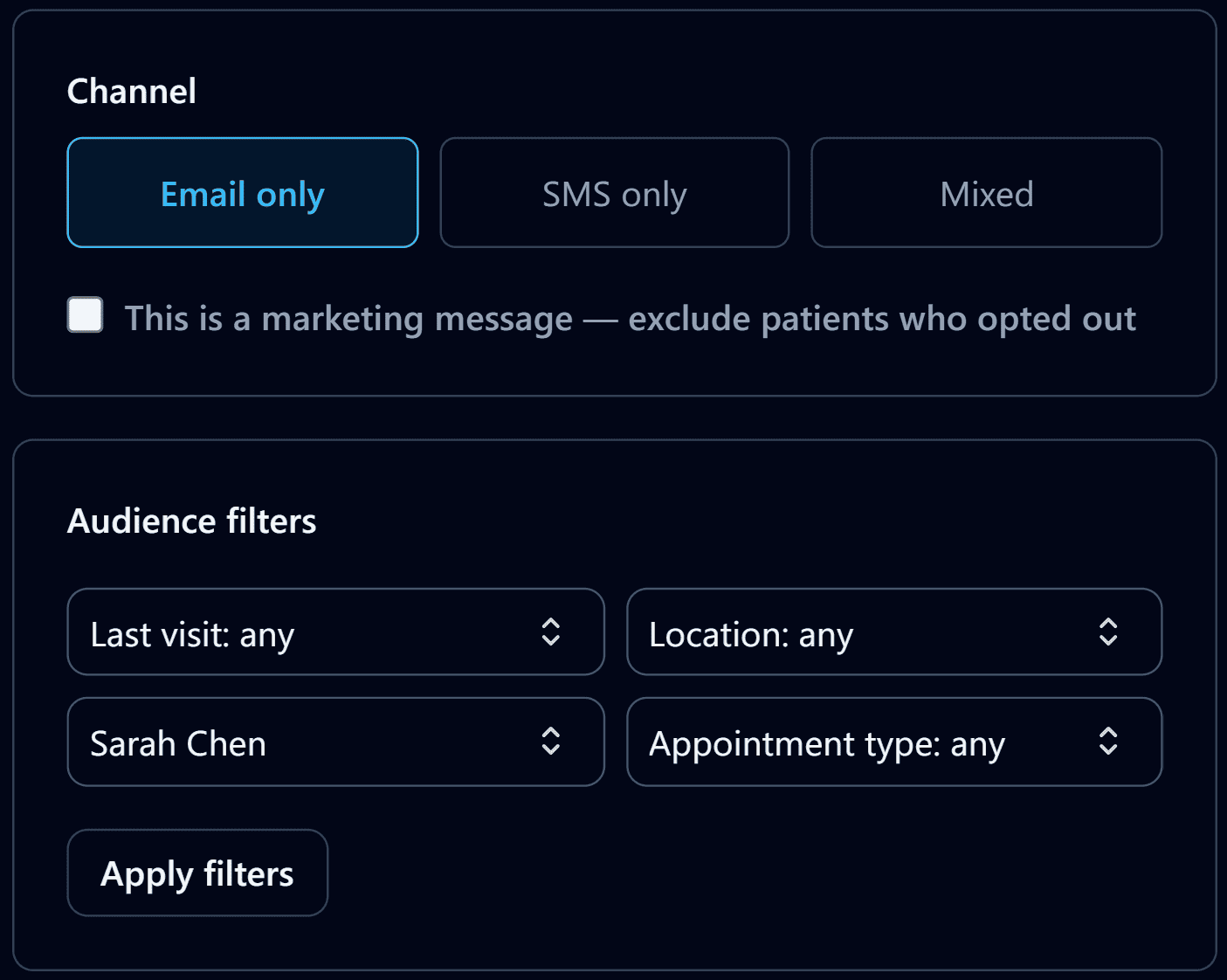
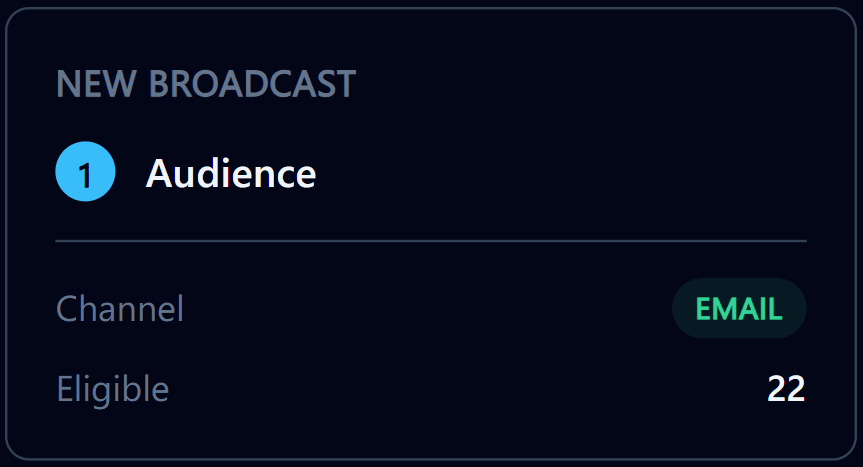
Filter your patient list down to who actually needs the message, see exactly who'll receive it, then send by email or SMS with automatic retry on failure.
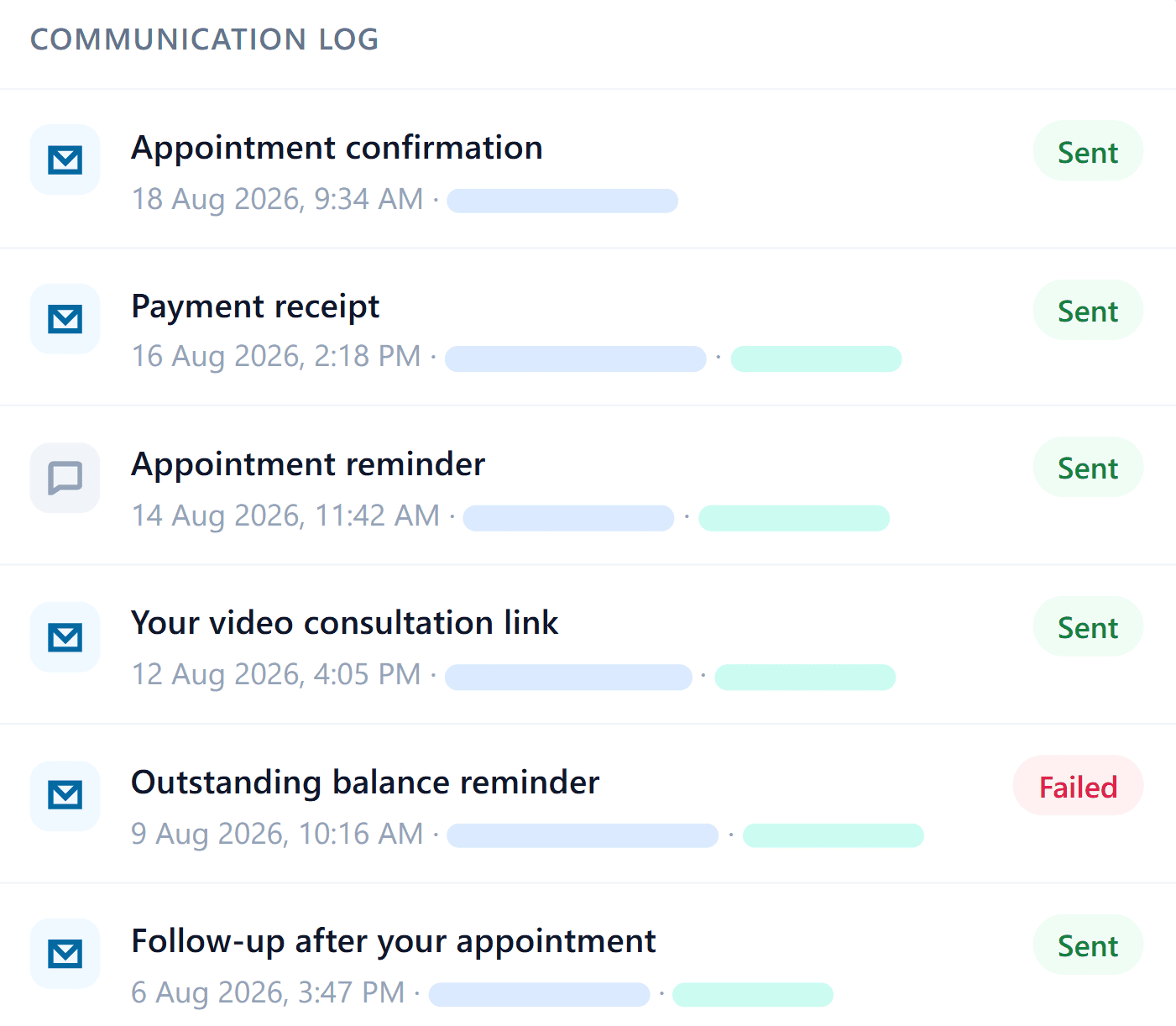
A full history plus per-patient preference controls: everything sent to a patient in one place.
Start a 30-day free trial: every communications feature included, no credit card.
No card required · no setup fee
SMS is the channel clinics lean on hardest, but every message type shares the same templates, timing rules, and delivery record.
| Type | Trigger | Channels | Per-patient | What's different |
|---|---|---|---|---|
| Confirmations | Booking made | SMSEmail | Calendar event attached | |
| Cancellations | Booking cancelled | SMSEmail | Rebooking link, fills waitlist | |
| Reminders | Days before visit | SMSEmail | Timing set per appointment type | |
| Follow-up | After the visit | SMSEmail | Aftercare tied to treatment |
| Type | Trigger | Channels | Per-patient | What's different |
|---|---|---|---|---|
| Any message type | Shared layout | N/A | Safe in Gmail & Outlook by default | |
| Broadcasts | Manual, filtered | SMSEmail | N/A | Real filters, opt-outs auto-excluded |
| Patient record | Every message | All channels | N/A | Full subject & body kept on file |