Every real scheduling problem, actually solved.
Not a feature checklist: the actual situations that eat a front desk's day, and what ClinyPal does about each one.
Double-bookings, gone for good.
No more awkward calls to apologise and rebook. Two people can never land in the same slot, even when your front desk is juggling three things at once, and dragging an appointment to a new time is just as safe as booking it fresh.
- Booking logic rejects an overlapping slot before it saves
- A database-level constraint catches the rare race condition
Slot verified, no conflict
Checked at save and at the database level
Set it up once, forget it forever.
Weekly physio, monthly check-ins, your Tuesday lunch break: set the pattern once and it just keeps happening, correctly, without anyone re-typing it in every week. Need to change just one date? Do that without touching the rest of the series.
- Weekly, monthly or custom recurrence patterns
- Edit a single occurrence without breaking the series
Room for classes, not just one-on-ones.
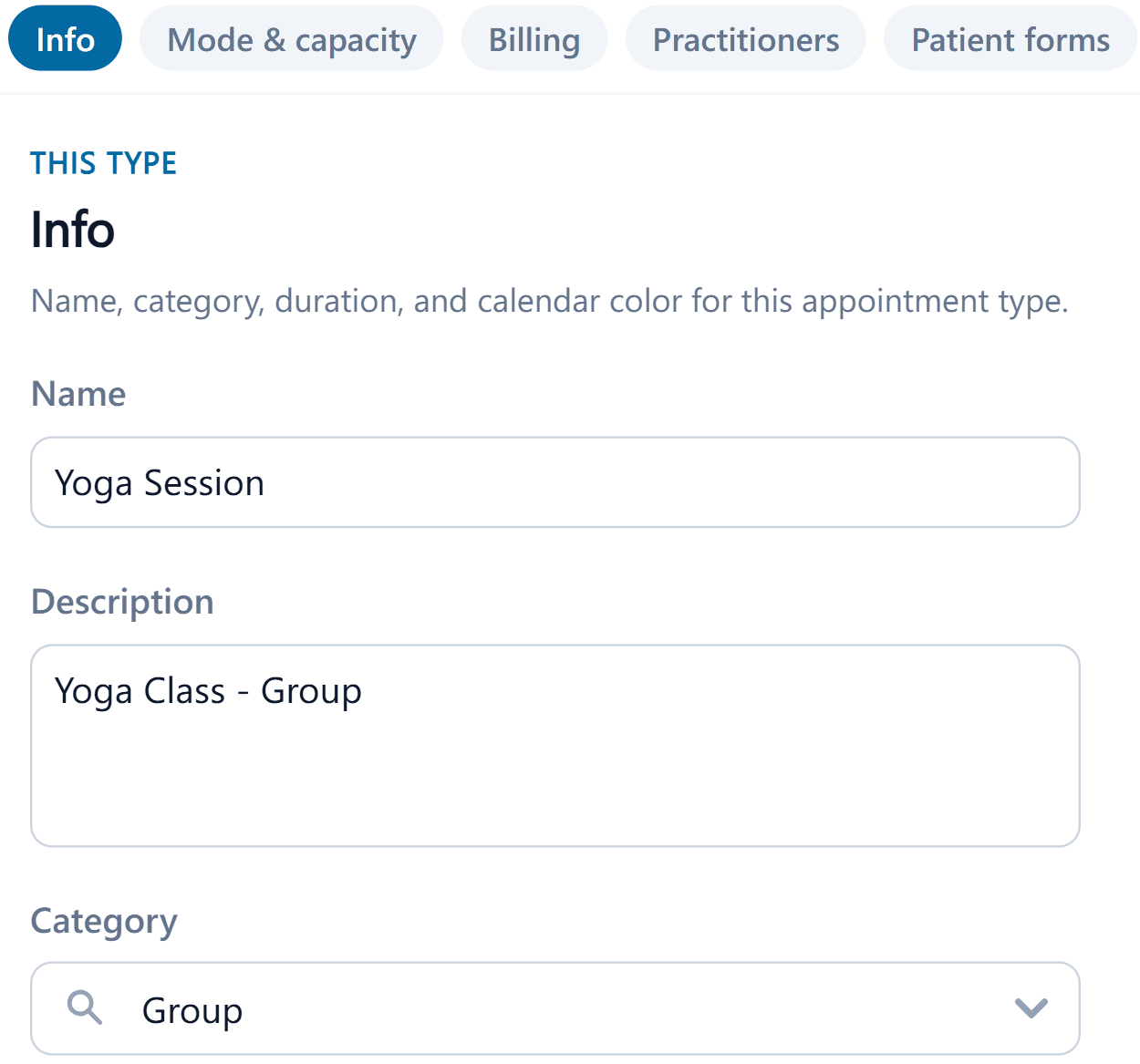
Run a pilates class, a group session, or anything with more than one patient at a time, right on the same calendar as your regular appointments, with no separate tool to log into.
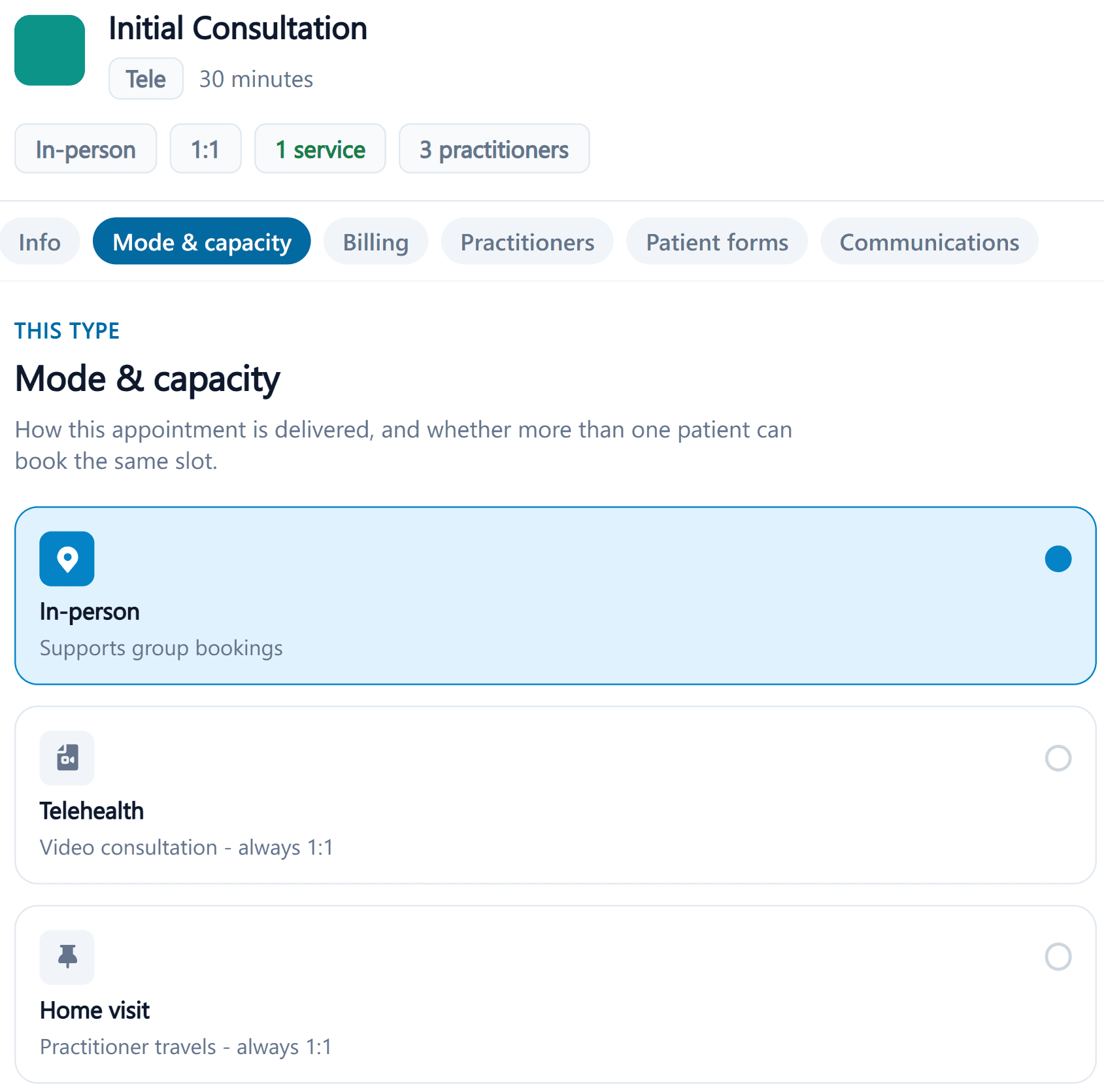
- Set a patient capacity above one to turn a type into a class
- Multiple patients booked and tracked as one slot

Your whole team, one screen.
See one practitioner or the whole clinic side-by-side, across every location you run: no switching tabs, no calling another branch to ask if someone's free. One glance tells you where the day stands.
- Filter to one practitioner or view the whole clinic
- Every location, side-by-side, without switching systems
The follow-through you don't have to chase.
The moment a booking is made, your patient gets a confirmation with the details already on their own calendar. Your practitioners see it on theirs too, without lifting a finger. And if someone cancels last-minute, the empty slot doesn't just sit there: it goes straight to whoever's next on the waitlist.
- Instant confirmations, no batch job to wait on
- Cancellations offer the slot to the waitlist automatically